
The new tax year started on 6 April 2026, and with it comes an important reminder for employers.
Have you updated your payroll software to claim your Employment Allowance for 2026/27?
It is a small task that can make a big difference to your business.
What is Employment Allowance?
Employment Allowance allows eligible businesses to reduce their employer National Insurance bill by up to £10,500 for the tax year.
That is a valuable saving, but it is not applied automatically. You need to actively claim it through your payroll software each year.
Why this matters now
At the start of every tax year, payroll settings reset. That means even if you claimed Employment Allowance last year, you must reapply for 2026/27.
If you forget, you could end up paying more National Insurance than you need to.
Are you eligible?
You can usually claim Employment Allowance if:
- You are a business or charity
- Your total employer National Insurance liability was less than £100,000 in the previous tax year (6 April 2025 to 5 April 2026)
- You are not claiming the allowance through another organisation or as part of a public sector body
Employment Allowance: Check if you’re eligible – GOV.UK
Workforce requirements
To qualify, you must have:
- At least one employee paid above the Secondary Threshold
- Or more than one director paid above that level
For 2026/27, the Secondary Threshold is £5,000.
Who cannot claim?
There is one key restriction to be aware of:
- Single-director companies where the director is the only employee are not eligible for Employment Allowance
How to claim
Claiming is straightforward, but it does need to be done correctly:
- Log into your payroll software
- Check your settings for the new tax year
- Make sure Employment Allowance is switched on or selected
- Submit your claim through your payroll submission to HMRC
Most payroll software includes a simple toggle or setting, but it is easy to overlook.
A quick win worth checking
This is one of those quick checks that can deliver a real financial benefit.
Taking a few minutes now could save your business up to £10,500 over the year.
Need a hand?
If you are not sure whether you qualify, or want someone to check your payroll is set up correctly, feel free to get in touch.
It is far better to get it right now than to fix it later.
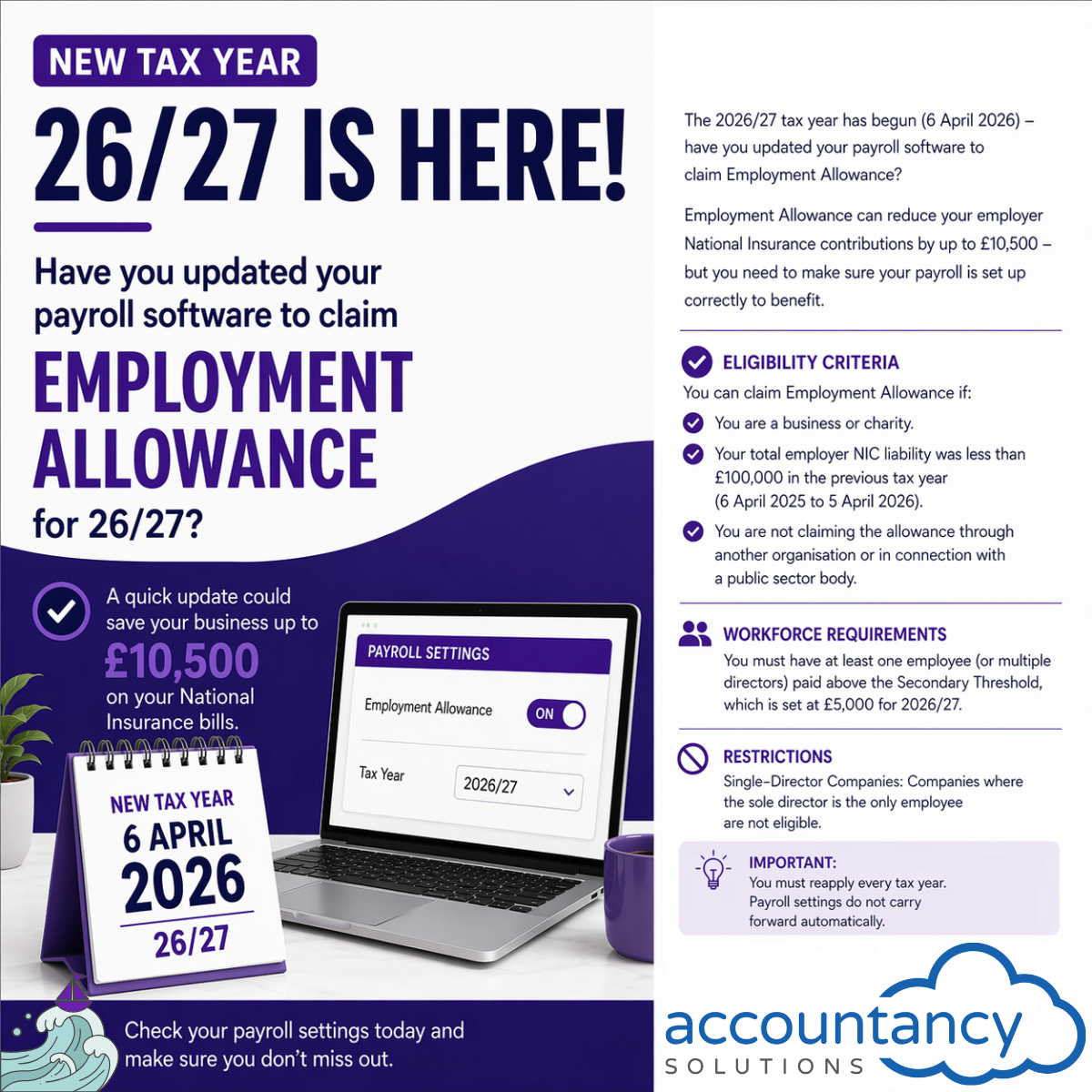
Businesses may be able to reduce their Employer’s National Insurance bill by up to £10,500 through Employment Allowance. Find out who qualifies and how to claim.
Accountancy Solutions is an accountancy practice based in Portchester, supporting businesses across Fareham, Portsmouth, Gosport, Southampton and the wider Hampshire area with payroll, bookkeeping, accounts and tax compliance.